Monday, November 3, 2014

6th Media Arts: Legendary Creatures


Introduction
We will write a story about a made-up Legendary Creature, then use Adobe Photoshop to collage together photos to illustrate our creature. Here are some examples from last year.

Directions

1. Vocabulary
Go to wordcentral.com and look up the definitions to the vocabulary words.

b. Myths, Legends, Fables and Folklore (answer the questions in your packet)
c. Look at these professional examples:

3. Sketch
Sketch in your packet

4. Write
Follow the directions on your worksheet, and us MSWord to write your legend.

5. Design

Monday, October 27, 2014

Art in Minnesota flag design

Design a flag for the "Youth Art Month" competition. Columbia Academy has had two winners for this statewide competition in the last 5 years. Wow!

  1. Your design must be "U.S. paper" size (8.5 by 11 inches), horizontally.
  2. It must show "minnesota" and "art".
  3. Use Illustrator, Photoshop, an ipad drawing app, or a web-based drawing app. You can also draw on paper

Columbia Academy winner Jackie Anderson
Here are some "Minnesota" and "Art" images

Friday, October 24, 2014

Painting and Drawing: Collage Portraits

Mark Bradford
1. Watch presentation and take notes
Rosemary Karuga

2. Explore these websites:

3. Take a picture of yourself. Save it to the Fowler>Classroom>Paint/Draw folder. Ms. FOwler will print it. Trace onto white paper.


Maurice D.

Thursday, October 23, 2014

6th Digital Arts Halloween Surreal Self Portraits

We will do a quick project, for Halloween, creating "surreal" self-portraits.

Ms. FOlwer will show you some examples: presentation
6th examples

Video: Creating a Surrel Self Portrait
Halloween Psd Tutorials

To keep these school appropriate, no weapons and go easy on blood or gore.

If you need photos, get them here.


Monday, October 20, 2014

7th Digital Arts: Schoolhouse Rock Musical posters


Your class has been hired to design posters for the musical "Schoolhouse Rock Live Jr.".

Research 
First watch some video clips and look at what other designers have done.

Links

Video Clips

Plan
Sketch an idea. You can design using copy-right free photos, or scan a drawing and edit on the computer

Design
Start by using the template. Go to Fowler-Classroom > Materials and copy the poster template to the desktop.

Evaluate and Critique.
One winner (or more) will be chosen to print professionally. They will also get free admission to the show and a prize!
Write an artist statement and do an online critique.

Videos

Monday, October 6, 2014

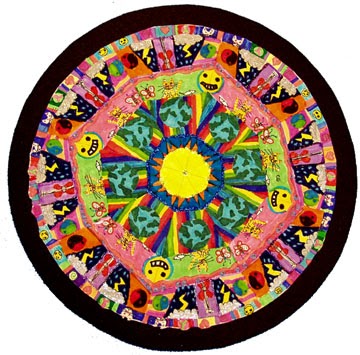
6th Digital Art: Mandalas

We will be using Adobe Illustrator to create "mandalas". This project will use art and math skills, along with reflecting on big questions like "what brings you peace?"
  1. What is a mandala?
  2. Look at some mandalas
  3. Vocabulary words: symmetry, icon, serenity, radial, reflection, concentric
  4. Videos: Time lapse Tibetan monk mandala, Sand Mandala video, Digital mandala installation
  5. How to create concentric elements in Adobe Illustrator
Extra time: Kaleidoscope       Color in Motion       Flowers        The color test

Friday, October 3, 2014

Monday, September 22, 2014

7th Media Arts: Animation and Cartoons, introduction

This animated gif project relates to the animation projects we will try later in the semester. Watch a video on the history of animation:

some good GIFs: One, Two, Three, Four, Five
Artist GIFs from old photos: Kevin Weir

We will practice writing an artist statement to go along with your project.

Extra video: The Story of Animation


CARTOON Yourself:


This project will introduce you to some basic Photoshop tools and using mouse control. We will use Photoshop to trace a digital photo and show an expressive and emotive cartoon face.

Try it:
If you have extra time, try-
Flipbook Animate
Zimmer Twins Make a Movie
Art Pad
ABC Animate

6th Digital Art: Typographic Self-Portraits


Typographic" means made of type or letters.
This picture is all letters. Can you figure out
which ones?

Friday, September 12, 2014

Media (Digital) Art Procedures


1. Complete Part 1 of the worksheet

2. Part 2: Vocabulary


3. Saving and Naming Practice

Follow the directions on your worksheet

4. Media Arts Intro Quiz

  1. m.socrative.com
  2. enter room ca157
  3. click "join room"
  4. wait for Ms. Fowler to begin

5. Writing Practice: How to be a Critical Viewer

Go to this link. Choose one cigarette advertisement and answer the questions on the screen. When you are finished, sign up on the board so Ms. Fowler can check it.

Try it:

Try these Media Arts activities: Media Studio

Monday, September 8, 2014

Painting and Drawing Portfolios


Bren's Name Design
For the project we had to use our name to create designs of things we like. For the “B” in my name, I used my iPod and headphones to form the letter “B”, because I really like listening to music. For the “R”, I used grid paper, a pencil, and a line because my favorite subject is math. For the “E”, i used a paint brush, pencil, a marker, and a colored pencil, because I like drawing and painting.  Lastly, for the “N”, i used a ballet shoe and ribbon, because I enjoy dancing. I like the way my art project turned out. I think it looks 3-D, because i made shadows of the letters with pencil lead.


Friday, August 29, 2014

The Design Process in this class


Design Process

Project Introduction
·    What is the project description?
·    Who is the client? Who is the audience?
·    What are the specifications (for example: size, amount of colors, cost, deadlines, etc.)

Research

·    Important vocabulary words
·    Concepts and ideas
·    Similar work and Inspiration

Plan

·    Brainstorming
·    Sketch and rough draft

Design

·    Demonstrations by teacher
·    Create using the computer

Critique

·    Self evaluations
·    Revisions
·    Evaluate in small groups or as a class

Display

·    Art show
·    Hang in the school
·    Display on class website (cagallery.blogspot.com), or personal page

Media Arts Overview

Why Art?

What is art video
What is art 2? (Creature comforts)

Thursday, August 28, 2014

Painting and Drawing Intro


Welcome to painting and drawing.

Art is not just about having a great piece of work at the end, it is about the process and what you learn and discover along the way.

What is Art? (Creature Comforts)

What are 8 ways to look at Art?
For our first exercise, see what you can discover...


Thursday, August 21, 2014

Monday, June 2, 2014

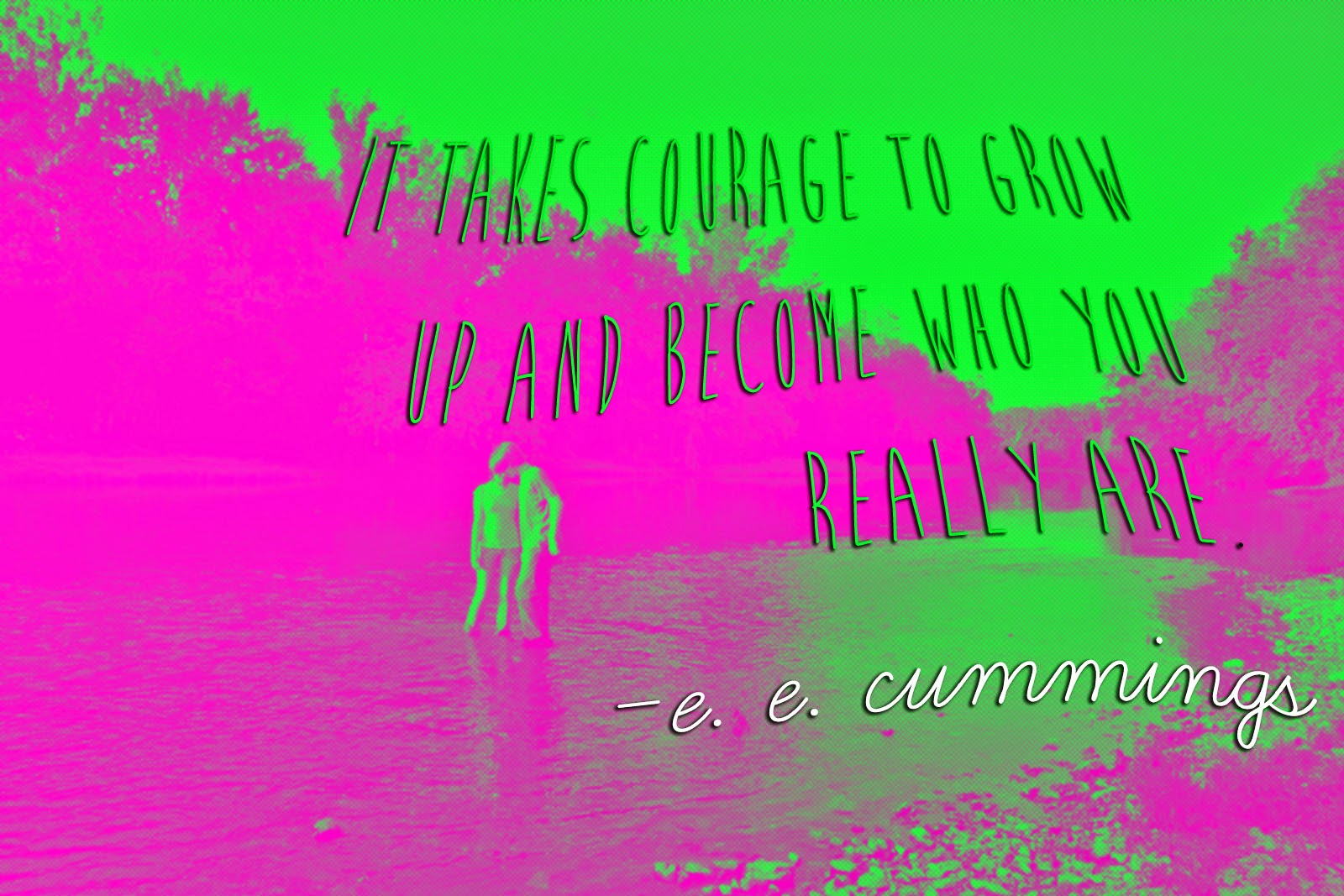
7th Inspirational Quote designs

Steps
  1. Pick an inspirational quote. Find one that is meaningful to you, not too long, and you must include the author.
    1. Ms. Fowler's Pintrest board
    2. Brainy Quote
    3. Inspirational quotes
  2. Find a photograph for the background 
    1. We will try lots of different kinds of shots- First look up each shot here
    2. go to morguefile.com to download a photo to use.
  3. Design in Photoshop 
    1. Use effects, color adjustments and filters
    2. Add your text. You may want to download a custom font. You can find some free fonts here. Or any of the other "Free font" links on the right-hand side.
  4. When we are finished we will save as "YourLastName Quote.psd" to the HAND IN WORK folder, and save it in your own folder.
  5. Write an artist statement
  6. Display and critique

*If you have extra time, go to

Tuesday, May 20, 2014

Painting and Drawing: Photobooth

For your next project, you will design a photobooth. You will work in a team of no more than 4.

"Head in the hole" boards (Ms. Fowler page)
or try googling "photo cutouts" or "head in hole"
more
Flicker page


Thursday, May 15, 2014

8th grade: Video Poems


For this project your will be creating a video poem using iMovie and video footage. Use this blog post to complete your research and planning packets. Ms. Fowler will show you examples.

1. Use the dictionary application to write the definitions to the words on your worksheet

2. Find a poem (or write your own original poem!).
Poetry Foundation for teens
Make sure it is one you really like.

2. Storyboard. Plan out your video on the worksheet. Write down what words will be on the screen at the same time (break the poem up into stanzas), and what kind of video may will go with it. Fill a minimum of 6 frames.

3. Shoot your video and upload to your computer. Copy files to your folder as back up. You can also use copyright free photos or your own original art work. (You could try drawing in Photoshop or Illustrator!)

4. Put it all together in iMovie. You will have to import your video and type the captions or record a voice over. Choose transition effects, video effects and titles/credits. Choose animation effects for your type. Change the fonts and colors.

5. Think about the pace of your movie. Try using a variety of shots: close-ups, far away, color, black and white. You should still make sure your images relate to each other. They should look like they belong together.

6. Try adding background sound or music. You can make your own music in GarageBand

7. When you are finished, Go to Share > Export Movie. Save it as "YourLastNameVideoPoem", and the size "Large", to the Desktop. Copy the file to your folder, and the HAND IN WORK folder.

Tuesday, May 13, 2014

7th Fashion Design

Research
Try the two activities linked from caarts.blogspot.com
  1. Symmetry Activity
  2. Organic and Geometric Shapes
  3. Patterns 
  4. Practice making some patterns
Now lets look at some examples of print and pattern designs. Go to: Print and Pattern. Look through all of the examples (you can also go through the archives). Pick 3 and describe them. 
Follow the directions on your worksheets to design 3 different patterns and apply them to 3 different items. Have fun!

NEXT: Create an original fashion design! Ms. Fowler will give you directions

Tuesday, May 6, 2014

Zoo Trip

Finish your packet. Minnesota Zoo website.

Minnesota Zoo Games: Matchmaker (diversify breeding), Who pooped

Try these games: San Diego Zoo

Switch Zoo: Build a habitat

Painting and Drawing: Close Up


We will study "hyper-realism", the work of artist Chuck Close, and create our own close up drawings.

1. Presentation 1:
Student examples

2. Presentation 2: Hyperrealism Examples.
4. Research.
     Go to the Guggenheim website. Pick one work of art and answer the questions on your worksheet.
     Go to ArtsConnectEd: Chuck Close. Answer the questions on your worksheet

6. Practice drawing using a grid
7. Take a close up picture (your face must fill the frame)
8. Create grid
9. Draw, shade and add detail
10. Artist statement, Critique and present
"Frank" by Chuck Close, at the Minneapolis Institute of Arts

Thursday, May 1, 2014

8th grade- Garageband


1. Complete the Research and Planning worksheet
2. Choose a found video to compose music for. It must be 1:30 minutes or longer.