Thursday, February 9, 2017

7th Media Arts: Introduction to Animation and Cartoons

The Animated History of Animation from MC on Vimeo.
This animated gif project relates to the animation projects we will try later in the semester.

1. Watch a video on the history of animation: The Animated History of Animation
3. Research GIF art and animated gifs
GIF Artists:
Kevin Weir
30 Best animated gif artists
Gif artists to know
Mr. Div

Gif pal examples: One, Two, Three, Four, Five
STUDENT examples: Look at these examples from last year

4. Create your own Animated GIF
You can make as many as you like. Be creative and original! Turn in your best gif(s) to the HAND IN WORK folder.

Create an Animated Pixel GIF


Use these websites to make and animate your pixel. Either: Piskelapp or Pixel Art

CARTOON Yourself:

This project will introduce you to some basic Photoshop tools and using mouse control. We will use Photoshop to trace a digital photo and show an expressive and emotive cartoon face.
Try it:
If you have extra time, try-
Flipbook Animate
Zimmer Twins Make a Movie
Art Pad
ABC Animate


Friday, February 3, 2017

Introduction and Procedures

1. caarts.blogspot.com

2. cagallery.blogspot.com


Saving and Naming Practice

Vocabulary


Media Arts Intro Quiz

  1. Go to Socrative Student Login
  2. enter room ca157
  3. click "join room"
  4. wait for Ms. Fowler to begin

Videos:

Examples of Media Arts: Portfolio of Media Arts, Polyester Studios

One Minute Movie: The History of Media
Media Arts in School: Media Arts Academy
Art Institutes Commercial

Look for the Elements of Media Arts, (Image, Sound, Space, Motion, Sequence, Time) in these videos:  Food Rap "What's Cookin",  To This Day

Careers in Media Arts Video Series
The Art Career Project


Media Arts student work examples

Games:
Try these Media Arts activities: Media Studio

Friday, January 27, 2017

6th Media Arts: Icebreaker

Online Timer


Collaborative Doodle Poster Directions:

Ms. Fowler will group you up.
Draw a doodle for each category.
Talk with your group about your answers.

Present: Share something about 3 other people in your group.

Introduction


Julie Fowler - Created with Haiku Deck, presentation software that inspires;

Thursday, January 19, 2017

Painting and Drawing: Abstract Expressionism

Audrey Flack "Abstract Force: Homage to Franz Kline,"
Create a work of Abstract Expressionism using different kinds of music as inspiration.

What is Abstract Expressionism?

Jackson Pollock
Wassily Kandinsky
Drawing to music Pintrest board

Painting and Drawing, Extra Credit

example

Photoshop Drawing:

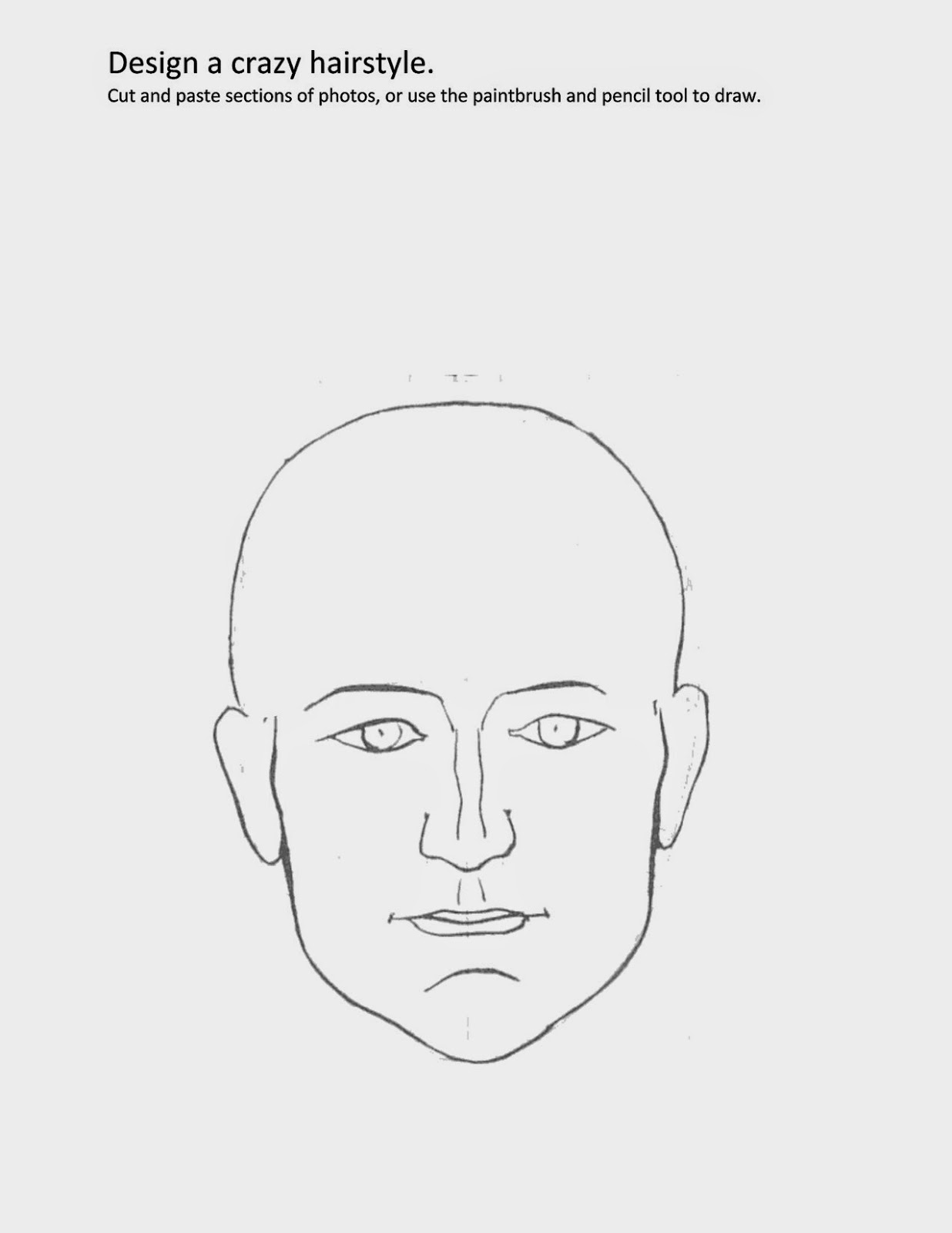
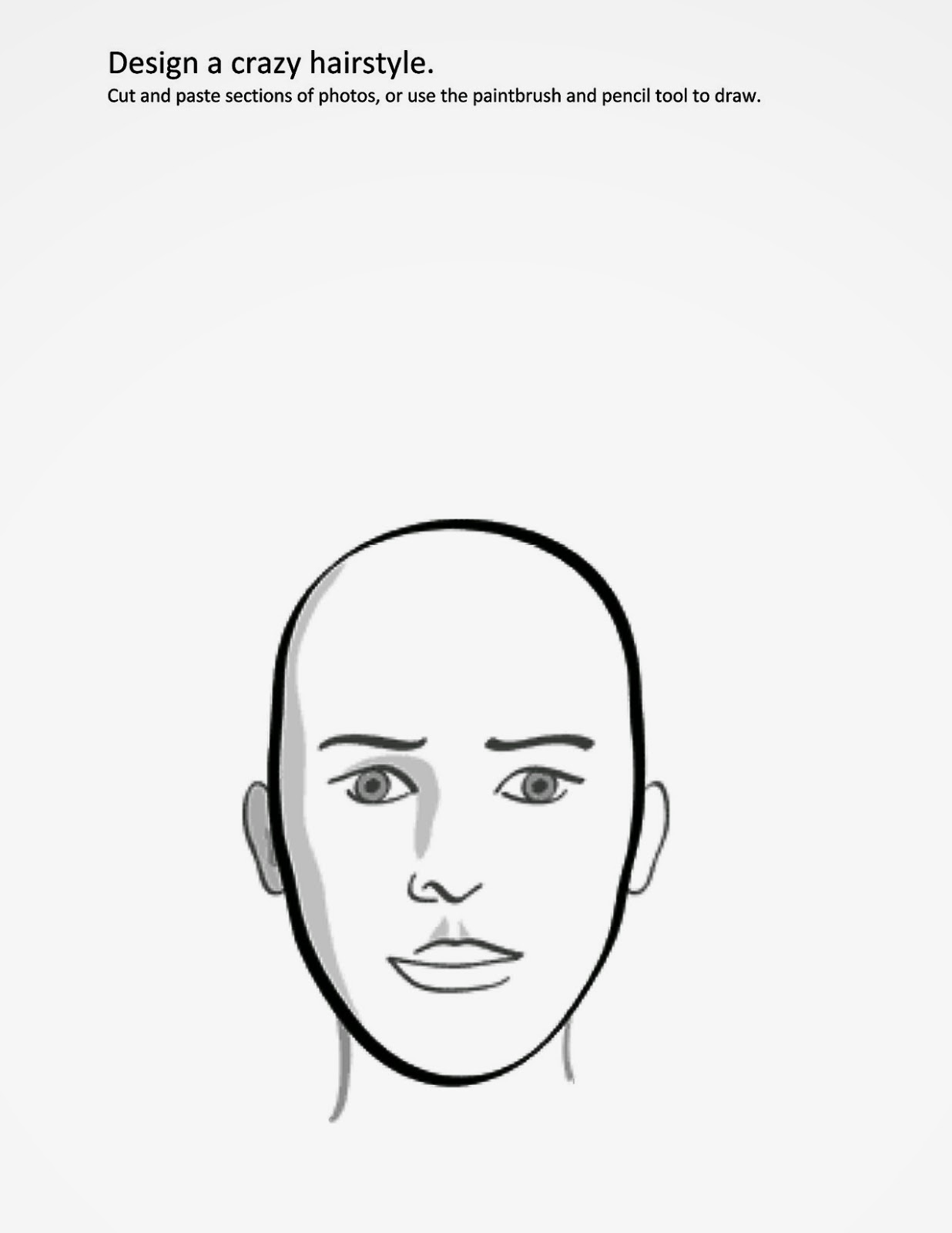
Create a photoshop illustration of a flower arrangement or a CRAZY hairstyle.

Directions:
1. Research and think of an idea. Use the links:
Google Crazy Hairstyle
Google Flower arrangement

2. Right- Click on one of the images below to open it in a new tab.
3. Drag it to your desktop
4. Drag it on to the Ps (Photoshop) icon
5. Use either the drawing, paintbrush and paint bucket tools to create. or cut and paste parts of copyright-free photos.  Fill your page! There should be little to no empty/white space.
6. Save as "YourLastName Flowers or Hair" and turn into the Design flowers/hairstyle folder.


Wednesday, January 18, 2017

6th Media Arts, Mascot Designs

Columbia Academy needs a mascot! We will be learning Adobe Illustrator to create mascot designs.

What is a mascot?
Use the dictionary to write the definitions to you words on your worksheets.

Brainstorm. Use these links and brainstorm idea designs on your worksheet:
Mascot Examples 1
Mascot Examples 2
HYLANDER MASCOT

You can start with existing vector graphics from vecteezy.com, but you must alter it to make it your own!

Friday, December 16, 2016

Watercolor Flowers

We will create a watercolor painting inspired by Vincint Van Gogh's "Sunflowers"

Videos

Vincent Van Gogh Biography


Van Gogh Cartoon
Paintings stolen and recovered
Loving Vincent trailer
Behind the scenes of Loving Vincent             

1. Research:

- National Gallery Sunflowers: symbols of happiness
- Van Gogh Museum: Why are Van Gogh's Sunflowers so famous?
- The Art Story: Van Gogh's life and work


2. Plan


- Watercolor Techniques
- Small watercolor paintings of fruits/vegetables, from observation

3. Create

- Choose a nature photo to paint
-Use the techniques you've practiced

Extra:


                                Sunflower Matching Game
SaveSave

Monday, December 12, 2016

Rise Up Postcards

Design a postcard to be sent home to families of students who show "Rise Up" qualities.
Steps:
1. Open the template from the "Materials" folder
2. Design a background graphic, or download a photo to use here
3. Make sure you include "Rise Up" or "and I'll rise up" or something similar
   - You can also include the words for RISE UP: Respect, Integrity, Strength, Excellence,
      Understanding and Pride
4. Download fonts here
5. Save and turn in to "Hand in work" folder


Wednesday, December 7, 2016

8th Media Arts: Type Motion Graphics

How can typography (the art of designing letters and words) bring a sentence to life? We will be creating typographic movies of a favorite quote, saying, line from a movie or song lyric.

Research and Planning
Go the the Graphic Design Dictionary and write the definition for some key terms.
font, frame, graphics, layers, opacity, pixel, RGB, typography

History of Animation and Motion Graphics (Off Book PBS)

Pick a song lyric, a line from a movie, a quote or a famous saying. You want people to get it so pick something recognizable, or something emotionally powerful. The more words the longer it will take to make it, so stick with something short.  Try for between 6 and 12 words. If you need some ideas, try 100 Songs Best Lines, ThinkExistSongLyrics, RollingStoneBestLyrics ,  famous quotes, inspirational quotes, famous lines from movies or search on your own.

Create
1. Sketch a storyboard (plan out what will go on each slide).
2. Download fonts and background graphics. All images must be copyright free!

Design
Follow Ms. Fowler's demonstration.


Present
Online and to the class

Reflect and Critique
You will participate in a class critique and use a critique form to evaluate classmates.

SaveSaveSaveSave
SaveSave

6th Media Arts: Video Haiku


  1. Complete the introduction worksheet on haikus
  2. Go to ReadWriteThink to plan your own haiku
  3. Write it down
  4. Storyboard your haiku
  5. Design your backgrounds and images in Adobe Illustrator
  6. Optional: Download vector graphics here
  7. Put together your you pictures with music and words in iMovie
Video


Tuesday, November 29, 2016

Painting and Drawing: Parody art

Very famous works of art are often parodied in pop culture. We will research parody and create our own parody drawing.

1. What does parody mean?
2. What is pop culture?
3. Watch the presentation and label each famous work of art.
4. Create some sketches of your parody ideas.
Famous Art Parody Google search
Famous Art Parodies 1

Videos:
Apple Store
The Scream Parodies
American Gothic Parodies
Small Potatoes
Weird Al "Word Crimes"
Best of Weird Al
Education Parodies

Lesson: Art Parodies


Parody Song
Objective:
Students will create an educational parody based on a popular song they already know and like.

Procedures:
❶ Divide into small groups of 2-4 members.
❷ Distribute Parody Writing Worksheet.
❸ Review the worksheet
❹ Choose your song, and look up the lyrics on your computer or tablet
❺ Listen to the original song and replace the lyrics with new ones.
❻ You may record or perform their parodies if you would like too!

Create Digital Parody Art:

1. SONG
How to write a silly parody song
Song Lyrics Generator
Automatic Song Generator

2. Motivational Poster Parody
Original Motivational Posters
DEMotivational Poster Parody Maker

3. Parody a popular meme
Make a MEME

Extra time:
What is your famous painting IQ?
"Painting Puzzles"
Color with Leo
Art Games
jibjab.com (login: fowlerj@colheights.k12.mn.us, password: columbia)

Monday, November 28, 2016

Wednesday, Nov. 30th: One Hour of Code + Activities


1. Go to: https://hourofcode.com/us/learn

2. Complete an activity appropriate for your grade and skill level.

3. Screenshot your certificate when you are done: Window key + shift + 4

4. Name it "your last name code" and copy to the hand in work folder.

5. Extra time:
Try Code Combat