Wednesday, January 28, 2015

6th Grade Type practice: Alphabet 100

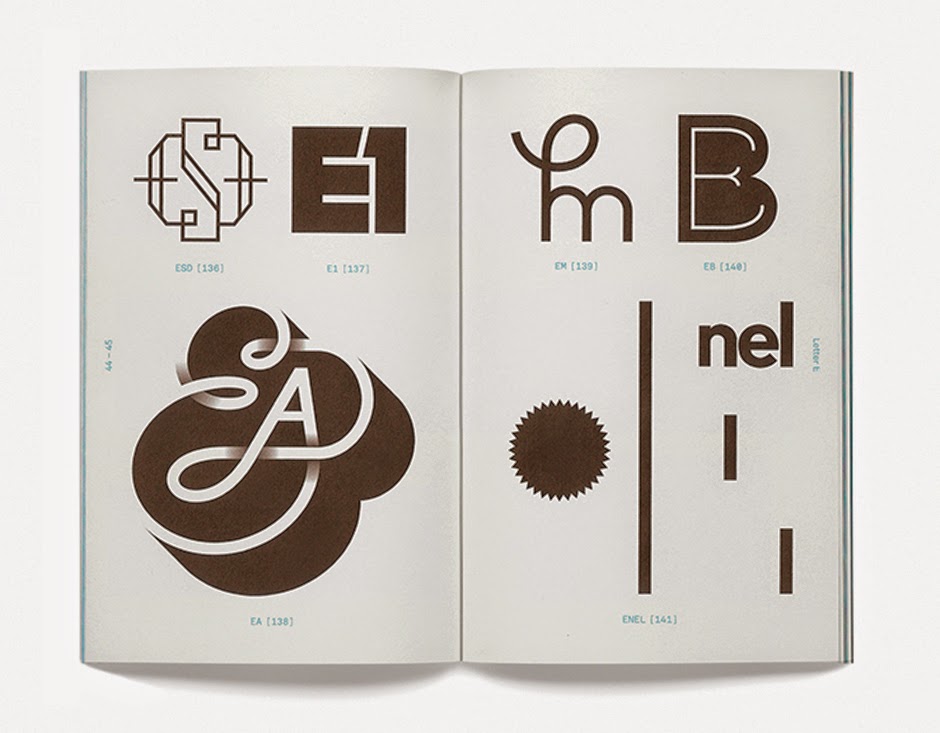
Designers need to understand fonts, typography and lettering styles. Brainstorm 100 ways to illustrate the same letter. Choose one design that you will create on the computer.

Alphabet 100


8th Media Arts: Monogram Logo Calling Cards

Research and Brainstorming:

1. Look at the websites below, and the folders with samples for some logo design inspiration:
Logo Lounge
 Simple Logo Designs
Vintage Logos
Logo Awards
Common Mistakes in Logo Designs
Best Logos? (VIDEO)

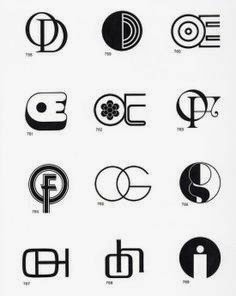
2. Fill your page with different monogram designs

Make your Monogram Calling Cards
Choose your final design. Redraw on final template. Draw carefully in pencil first! Be a perfectionist! Go over your lines with Sharpie. On the back of your card, design your phone number or email or screen name or twitter. Some kind of contact info. Create with collage or by hand.


Videos:


Thursday, January 22, 2015

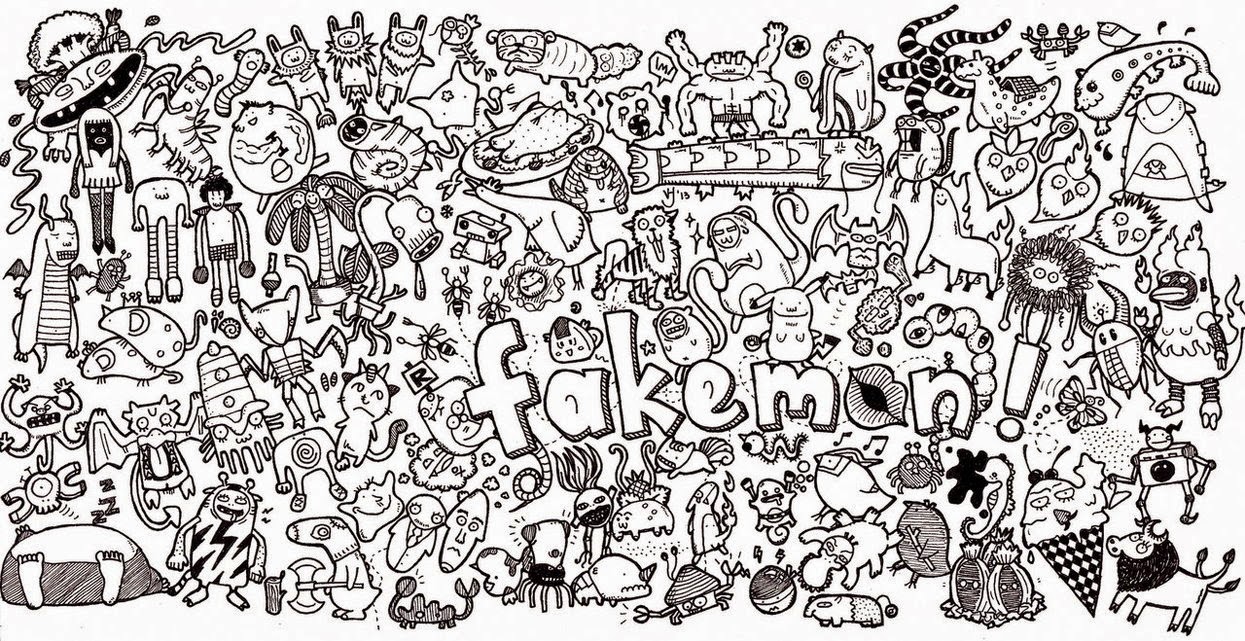
6th Icebreaker: Collaborative Doodle

Directions:

  1. Ms. Fowler will group you up.
  2. Draw a doodle for each category. 
  3. Talk with your group about your answers.
  4. Share something about 3 other people in your group.


Doodles:

  1. Draw your name
  2. Draw your favorite food
  3. Draw your favorite animal
  4. Draw something you like to do for fun
  5. Draw a goal you have for the future
  6. Draw someone close to you
  7. Draw where you want to visit someday
  8. Draw a made up creature
  9. Draw 3 words others might use to describe me
  10. Draw something that makes you happy


8th Icebreaker: Marshmallow Challenge

Ms. Fowler will give you a group
Mate­ri­als:
            20 sticks of spaghetti (uncooked!)
            one yard of mask­ing tape (stick down on edge of desk)
            one yard of string
            one pair scissors
            5 marshmallows
Direc­tions:
  1. You have 20 min­utes to use the mate­ri­als to try to build the tallest free­stand­ing struc­ture.  
  2. (“Free­stand­ing” means it can­not be taped down, and you can’t be hold­ing it when the time runs out- it must be able to stand on its own.)  
  3. When the time is up, we will mea­sure the struc­tures that are stand­ing and announce the win­ner.   

Please share:
  1. Your names
  2. What did you learn?
  3. What was the most chal­leng­ing thing about this and why?  


7th Icebreaker: Group Drawing by Instruction

One person will be the artist for the group.

3 other people will take turns directing.

Look at the hidden, example artwork. Give the artist instructions on one part at a time, using only descriptive words. You cannot touch or point to the paper. For example: "Cut a square out of the orange paper that is about 1 inch by 1 inch. Glue it in the middle of the paper, about a third from the top."

This activity helps you work together collaboratively, helps critical-thinking skills and helps you to communicate with only visual words.

Wednesday, January 21, 2015

7th Media Arts: Typography drawing

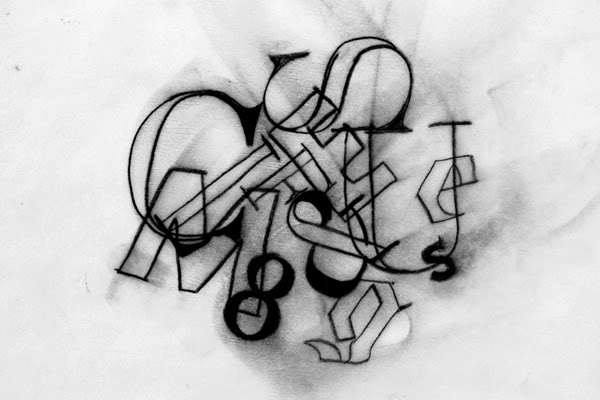
Create a "Typographic Collage"
1. Think of a word that is meaningful to you
2. Trace different fonts and letter styles into a composition. Use care and craftsmanship.

Graphic Design Off the computer
Typography composition

Videos:
PBS Off Book Typography
The History of Typography

Thursday, January 15, 2015

End of the Semester

Interactive White Board Drawing:

  • work with a small group
  • combine a real person and a drawing on the board
  • take a photo
American Mutant Apparel:

  • use the provided model photo
  • draw mutant heads
  • be creative, use a variety
  • add names


Choose one of the following to complete


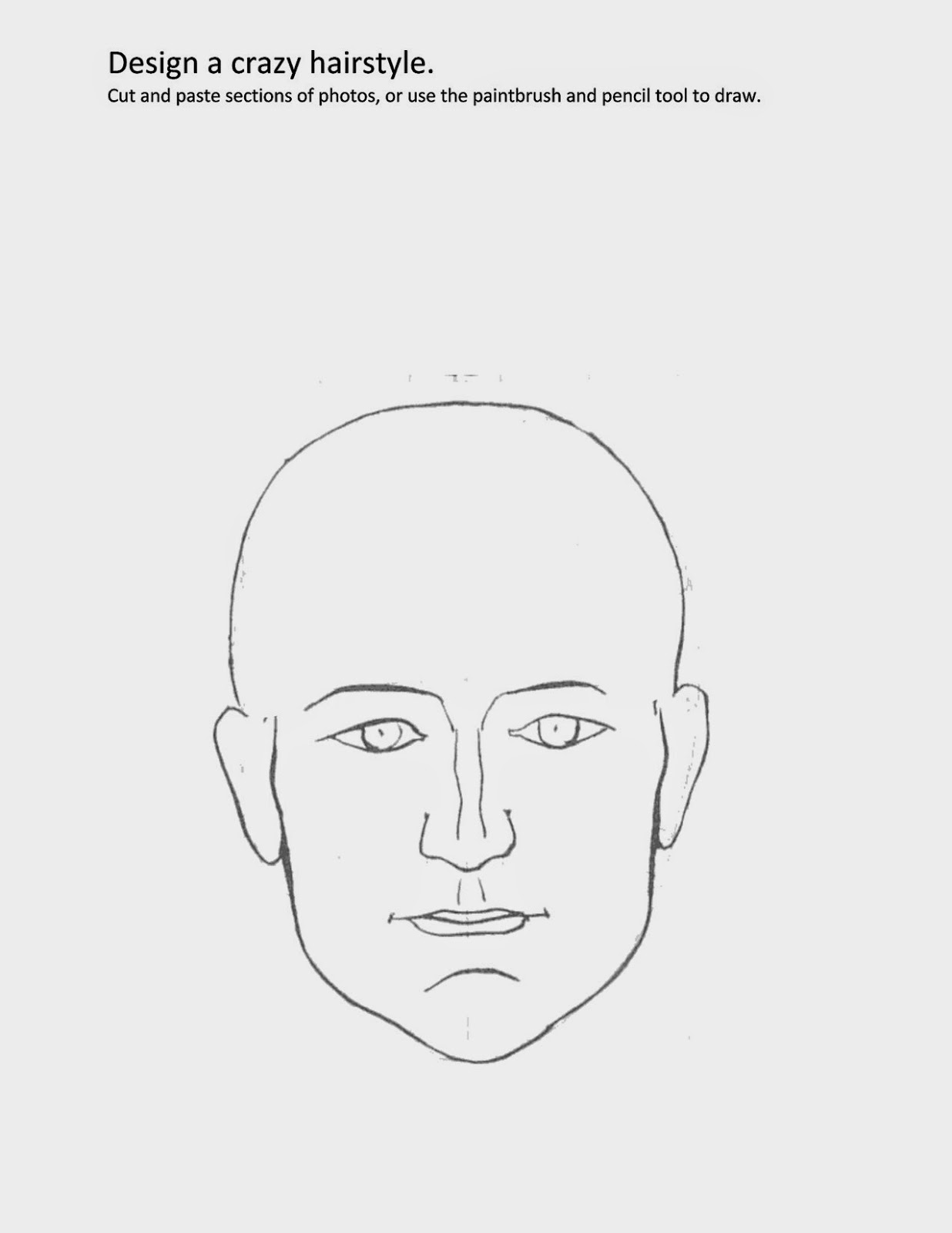
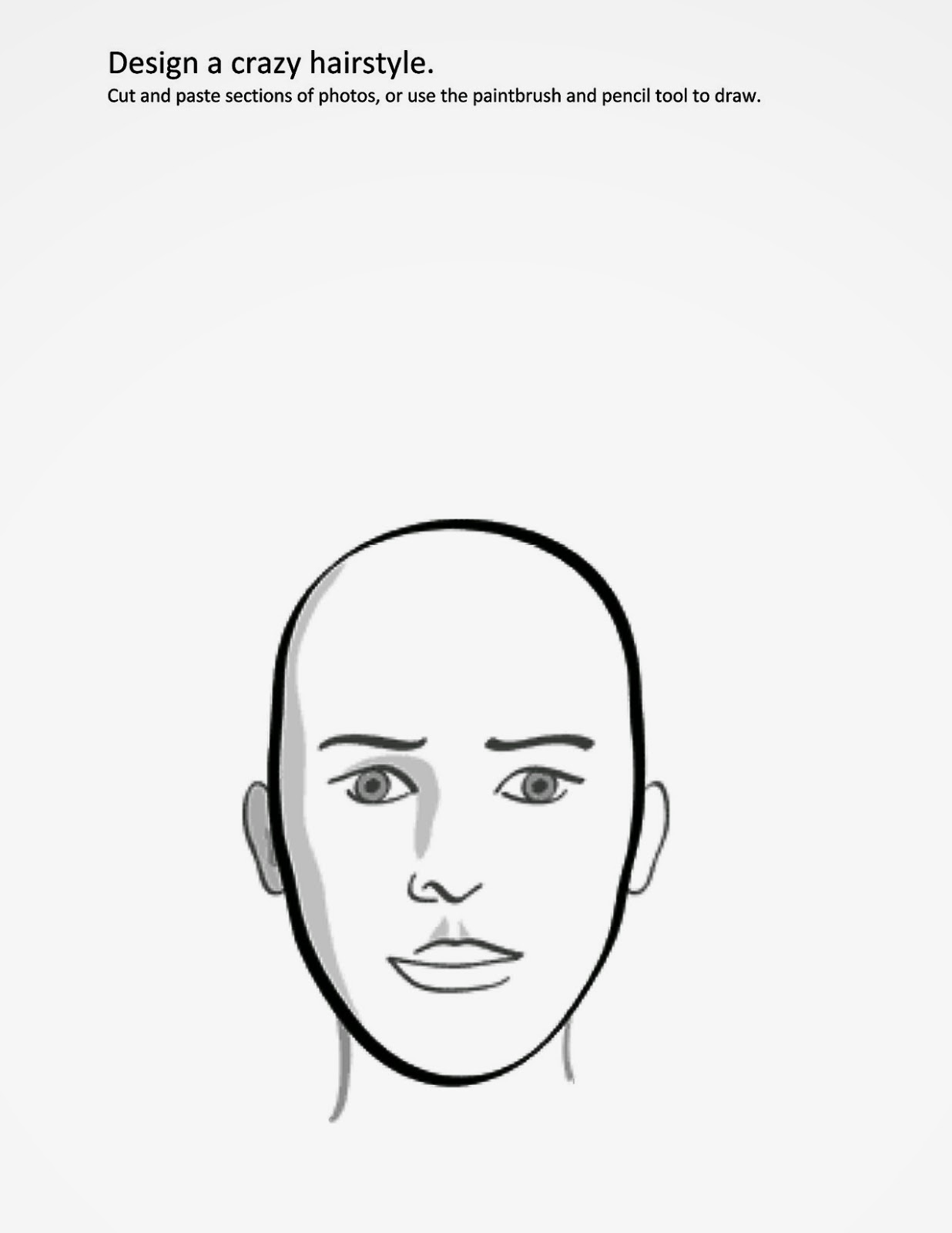
  1. Design a crazy hairstyle
    1. Research. Google Crazy Hairstyle
    2. Go to "Fowler Classroom > Materials to find the template
    3. Draw/design in photoshop
    4. Save to HAND in work folder
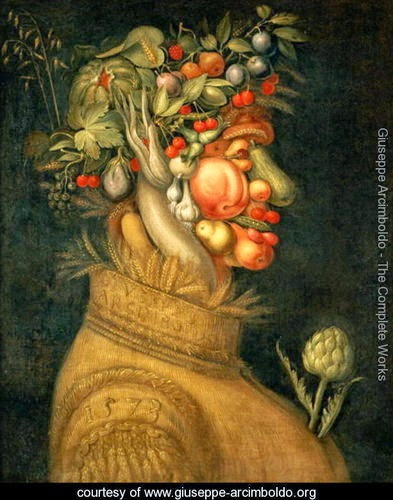
  2. Design a flower arrangement
    1. Research. Google Flower arrangement
    2. Go to "Fowler Classroom > Materials to find the template
    3. Draw/design in photoshop
    4. Save to HAND in work folder

Tuesday, January 6, 2015

Yearbook 1/06

1. Create a digital ad. Include online sales link, cost, contact, date.

2. Create a sales movie using iMovie and trailers

3. Choose template for design. Gallery.

JOSTENS videos


Wednesday, December 31, 2014

Painting and Drawing: "The Giver" Project

ART + WRITING, based on the movie "The Giver"

Ringling Collage Creative Awards Contest

1. Watch the movie "The Giver"
2. Write 100 words or less, complemented by a supporting illustration.
What theme in THE GIVER relates to you personally, your community, your goals, or other aspects of your life? Students can identify a theme from the movie, movie script, the book, the trailer, or the synopsis of the movie.


Themes

Themes are the fundamental and often universal ideas explored in a literary work.
Entry Examples

"The Giver" Art and Illustrations

Scholastic

Monday, December 8, 2014

Painting and Drawing: Observational drawing

Are you more right-side or left-side of the brain?
(this theory has been disproven, has more to do with brain networks, but for fun we will try it)
  1. Warm Up: Picasso line drawing
  2. Presentation on "Observation in Art" take notes
  3. Try contour line drawings
  4. Choose your animal photo from Morguefile.com
  5. Left brain/right brain games
6. Practice finding shapes in an animal
7. Practice drawing your animal
8. Create a value scale
9. Draw your animal. Start by lightly drawing shapes. Use all of the values. Cover your paper with detail.

Drawing from Nature: James J. Audubon Movie

Other Observational Artists:

7th Fashion Design

Vocabulary
Use the dictionary on your computer to find the definitions to the following words: symmetry, geometric, organic, pattern, ornate, textile, client, mass market.
Research
Try the two activities linked from caarts.blogspot.com
  1. Symmetry Activity
  2. Organic and Geometric Shapes
  3. Patterns 
  4. Practice making some patterns
Now lets look at some examples of print and pattern designs. Go to: Print and PatternLook through all of the examples (you can also go through the archives). Pick 3 and describe them. 
Follow the directions on your worksheets to design 3 different patterns and apply them to 3 different items. Have fun!

Create a glogster inspiration board for your fashion designs.

NEXT: Create an original fashion design! Ms. Fowler will give you directions

Tuesday, December 2, 2014

6th Media Arts: Sketch-Up Sculpture

Claes Oldenburg sculpture at the Walker Art Center, Minneapolis MN
Research:
1. 2. 3. Go to THIS PAGE for sculpture videos and examples. Ms. Fowler will present.
Sculpture Garden websites:
Walker Sculpture Garden
Franconia
Olympic Sculpture Park

4. Outdoor Sculptures
CA students at the Walker Sculpture Garden

5. What is scale? Scale (Element of art)

6. Pick descriptive words

Past student examples

Design:

Google Sketch-Up tutorial video

Extra Time games:

HomeStyler
Architect Studio 3D (might not work)
My Imaginary City

Tuesday, November 18, 2014

Painting and Drawing: Zentangle Animals

Research. First research "Folk Art" Use the links below
  1. What is folk art?
  2. Go to the American Folk Art Museum, or the International Folk Art Museum website.  or the Craft and Folk Art Museum. Choose an artist. Answer the questions on the worksheet.
  3. Videos: Emilio Sosa Medina,   Oaxacan weavers,   Tanya Aguiniga   Contemporary folk art of Oaxaca,      Video 1 (extra)
  4. Research folk art from your own culture. Choose one example and sketch it on your worksheet.
  5. What is a zentangle?
  6.  Research Zentangle patterns

MAKE: Create a background.
  • Collage with simple shapes. Hills, trees, streams, etc.
  • Draw in zentangle patterns.
Draw an animal. WeDrawAnimals.com
  • Start with simple shapes. Draw in pencil. Fill your page.
  • Go over with Sharpie. Erase pencil lines.
  • Fill with zentange patterns.
  • Cut out and place on your background.

Sunday, November 16, 2014

Designer research

Create a short presentation on a famous designer.
  1. Choose a designer from this list of 70 designers who changed the world or this list of 30 more designers that changed the world.
  2. Design: Use Google Slides. 1. title slide with the designer's name 2. Background information 3. At least three pictures of their work. 4. At least 4 slides
  3. Copy the "embed" code and email to Ms. Fowler (fowlerj@colheights.k12.mn.us)
You can use the websites from #1 to research and save pictures from, or google the person's name. You have only today to do this project. If you finish early you can help others or go to art links from this website.

Thursday, November 13, 2014

Monday, November 3, 2014

6th Media Arts: Legendary Creatures


Introduction
We will write a story about a made-up Legendary Creature, then use Adobe Photoshop to collage together photos to illustrate our creature. Here are some examples from last year.

Directions

1. Vocabulary
Go to wordcentral.com and look up the definitions to the vocabulary words.

b. Myths, Legends, Fables and Folklore (answer the questions in your packet)
c. Look at these professional examples:

3. Sketch
Sketch in your packet

4. Write
Follow the directions on your worksheet, and us MSWord to write your legend.

5. Design

Monday, October 27, 2014

Art in Minnesota flag design

Design a flag for the "Youth Art Month" competition. Columbia Academy has had two winners for this statewide competition in the last 5 years. Wow!

  1. Your design must be "U.S. paper" size (8.5 by 11 inches), horizontally.
  2. It must show "minnesota" and "art".
  3. Use Illustrator, Photoshop, an ipad drawing app, or a web-based drawing app. You can also draw on paper

Columbia Academy winner Jackie Anderson
Here are some "Minnesota" and "Art" images

Friday, October 24, 2014

Painting and Drawing: Collage Portraits

Mark Bradford
1. Watch presentation and take notes
Rosemary Karuga

2. Explore these websites:

3. Take a picture of yourself. Save it to the Fowler>Classroom>Paint/Draw folder. Ms. FOwler will print it. Trace onto white paper.


Maurice D.

Thursday, October 23, 2014

6th Digital Arts Halloween Surreal Self Portraits

We will do a quick project, for Halloween, creating "surreal" self-portraits.

Ms. FOlwer will show you some examples: presentation
6th examples

Video: Creating a Surrel Self Portrait
Halloween Psd Tutorials

To keep these school appropriate, no weapons and go easy on blood or gore.

If you need photos, get them here.


Monday, October 20, 2014

7th Digital Arts: Schoolhouse Rock Musical posters


Your class has been hired to design posters for the musical "Schoolhouse Rock Live Jr.".
Research 
First watch some video clips and look at what other designers have done.

Links

Video Clips

Plan
Sketch an idea. You can design using copy-right free photos, or scan a drawing and edit on the computer

Design
Start by using the template. Go to Fowler-Classroom > Materials and copy the poster template to the desktop.

Evaluate and Critique.
One winner (or more) will be chosen to print professionally. They will also get free admission to the show and a prize!
Write an artist statement and do an online critique.

Videos

Monday, October 6, 2014

6th Digital Art: Mandalas

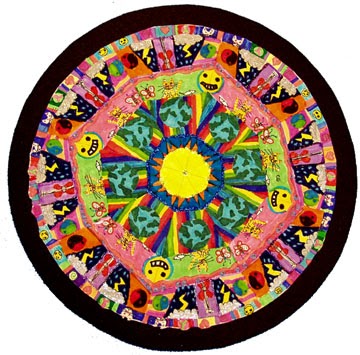
We will be using Adobe Illustrator to create "mandalas". This project will use art and math skills, along with reflecting on big questions like "what brings you peace?"
  1. What is a mandala?
  2. Look at some mandalas
  3. Vocabulary words: symmetry, icon, serenity, radial, reflection, concentric
  4. Videos: Time lapse Tibetan monk mandalaSand Mandala video, Digital mandala installation
  5. How to create concentric elements in Adobe Illustrator
Extra time: Kaleidoscope       Color in Motion       Flowers        The color test

Friday, October 3, 2014

Monday, September 22, 2014

7th Media Arts: Animation and Cartoons, introduction

This animated gif project relates to the animation projects we will try later in the semester. Watch a video on the history of animation:

some good GIFs: OneTwoThreeFourFive
Artist GIFs from old photos: Kevin Weir

We will practice writing an artist statement to go along with your project.

Extra video: The Story of Animation


CARTOON Yourself:


This project will introduce you to some basic Photoshop tools and using mouse control. We will use Photoshop to trace a digital photo and show an expressive and emotive cartoon face.

Try it:
If you have extra time, try-
Flipbook Animate
Zimmer Twins Make a Movie
Art Pad
ABC Animate

6th Digital Art: Typographic Self-Portraits


Typographic" means made of type or letters.
This picture is all letters. Can you figure out
which ones?