Thursday, September 1, 2016

Painting and Drawing: Introduction

Welcome to painting and drawing.

Art is not just about having a great piece of work at the end, it is about the process and what you learn and discover along the way.

What is Art? (Creature Comforts video)

What is art for? Video
What is Art (Short Vimeo video)?
What are 8 ways to look at Art (Prezi)?

Extra time videos: Making Art Series, on themes

For our first exercise, see what you can discover...


Thursday, June 2, 2016

8th grade

https://www.youtube.com/watch?v=CA5x-PdigG8

Wednesday, May 25, 2016

6th Grade Letter Illustration

Designers need to understand fonts, typography and lettering styles. Brainstorm 100 ways to illustrate the same letter. Choose one design that you will create on the computer.

Alphabet 100

Inspiration:
Daily Drop Cap
TheTypeFight


Tuesday, May 17, 2016

Photoshop Drawing


example

Photoshop Drawing:

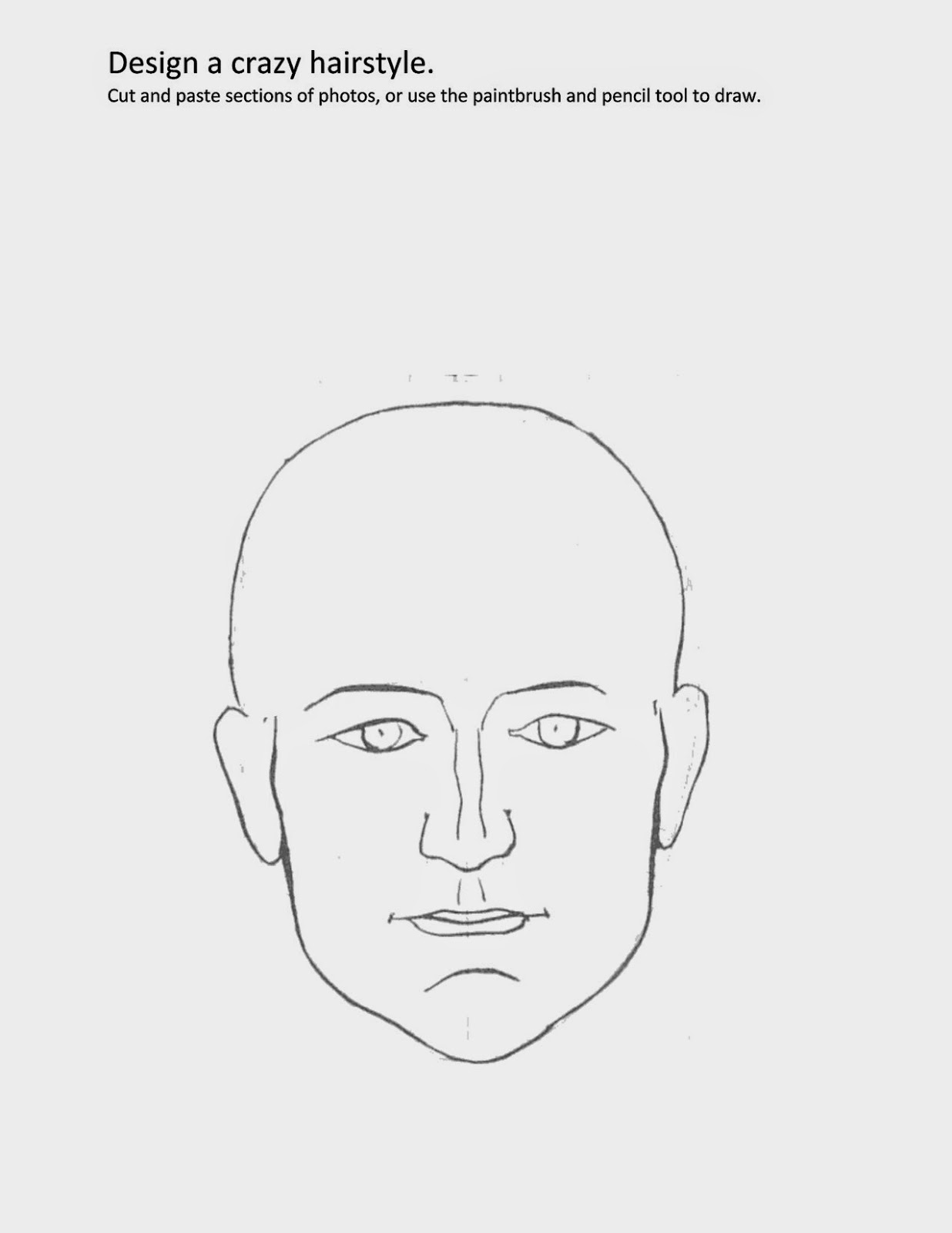
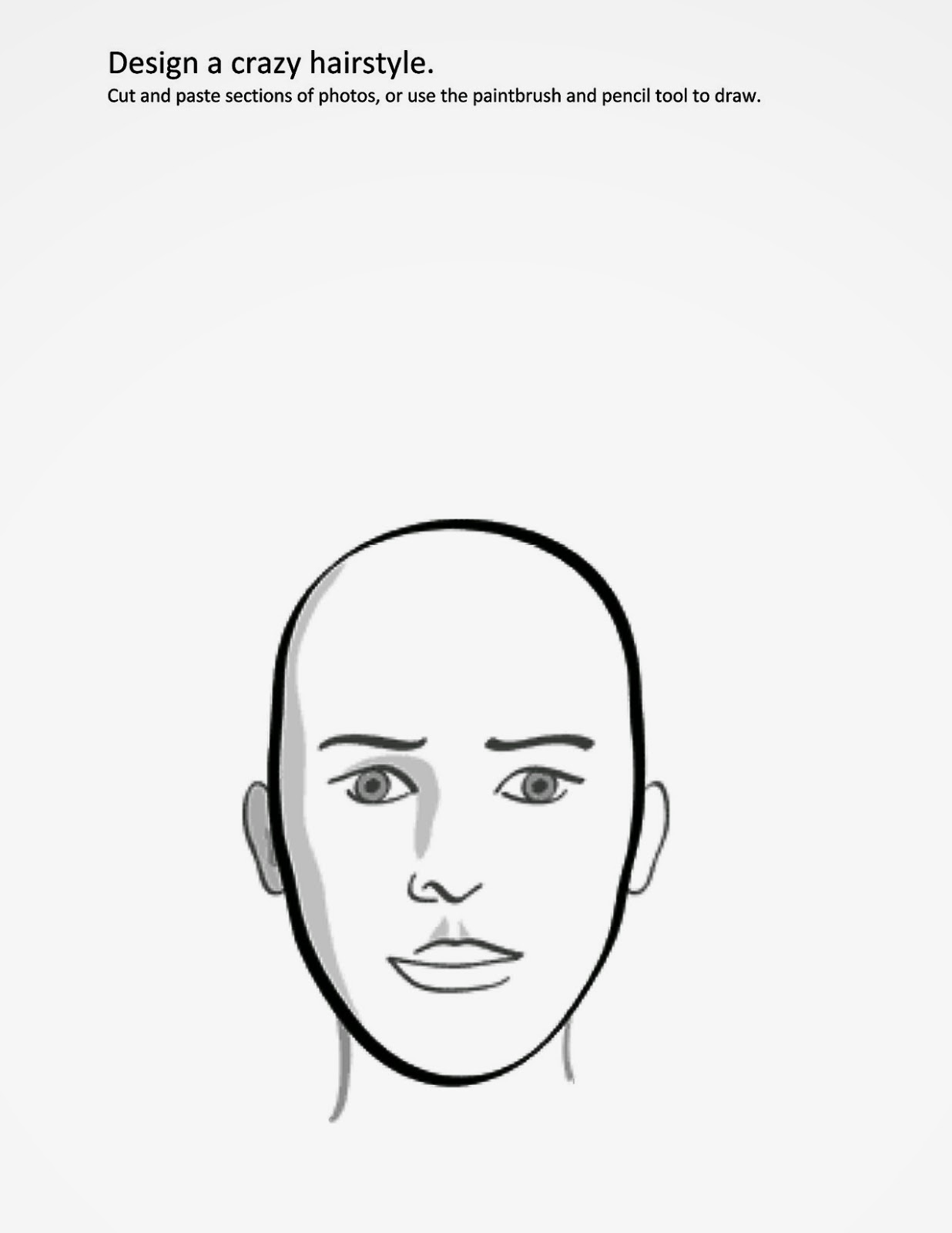
Create a photoshop illustration of a flower arrangement or a CRAZY hairstyle.

Directions:

1. Research and think of an idea. Use the links:
Google Crazy Hairstyle
Google Flower arrangement

2. Right- Click on one of the images below to open it in a new tab.
3. Drag it to your desktop
4. Drag it on to the Ps (Photoshop) icon
5. Use either the drawing, paintbrush and paint bucket tools to create. or cut and paste parts of copyright-free photos.  Fill your page! There should be little to no empty/white space.
6. Save and turn into the Design flowers/hairstyle folder.
7. You can create a second for extra credit but it must be well made.


Student Survey

Monday, May 16, 2016

7th Media Arts: Franconia Field Trip

Photo assignment: Take some interesting photos at Franconia. Make sure you try different camera angles, try photos of just sculptures, and photos of people. 


Take a look at the Goldsworthy images, as well as some other land-art installations. Pick 3 to describe. How are they made? What is interesting about them? How were they made? What is the scale (how big)? Etc. Use at least 3 complete sentences.


Videos:


Tate Gallery: Land Art. Answer the questions on the worksheet

Tuesday, May 3, 2016

6th Media Arts: Monster Sightings


Research:


Complete Photography Worksheet
1. 10 Tips for Taking Good Photos
2. 10 Techniques for better Photos

Design


  1. Brainstorm monsters. Here are some links to help inspire you:   Lots of monsters.    More Monsters
  2. Make a monster
  3. Photograph monsters in the wild! You must photograph your monster in a minimum of 5 different scenes.
  4. Upload and edit your photos. Use pixlr.com to add filters and effects quickly.
  5. Make a slideshow using iMovie. Add captions and music.

Extra Time:

Monday, May 2, 2016

7th Media Arts: Fortune Cookie Typography Poster

We will learn the basics of Adobe Illustrator and design posters. You will get a fortune cookie, and you must create an interesting, dynamic, eye-catching design. Use what you learn about composition, fonts and typography.

Research and Planning


  1. What is Typography? Presentation
  2. The History of Typography Video
  3. Go to some of the free font websites and download some fonts you may want to try (in addition to the ones on your computer.
  4. Text effects practice. Tutorial video1. Hand in you practice page. Letter drawing practice. Hand in.

Design

  1. Select a random cookie. What you get is what you get!
  2. Sketch your design. It could be a drawing or interesting type or a combination of both.

Follow the directions on your worksheet.

Extra time activities
thetypefight.com
Shape type
Kern type

Wednesday, April 27, 2016

Photography Shorts

darkside.jpg

Landscape


Dark Side of the Lens5 minutes of jaw dropping imagery and intense inspiration. Dark Side of the Lens is a quick peek into the life of surf photographer, Mickey Smith, as he endures freezing cold waters and terrifying waves to do what he loves—photograph.

Wednesday, April 20, 2016

Nature Photography and Quote design

The Project: Combine a quotation with an original photo

Examples

Chose a nature quote

Find quote here: Brainy QuoteGoodReadsQuoteGarden
Make sure you attribute the author

History of Photography Video
  1. Camera Contract-read and sign
  2. Camera Settings
  3. Lessons to teach your child about digital photography
  4. Basic Vocabulary

Extra time: Be a Wildlife Photographer Game

Step 1: Take a nature photo

Directions

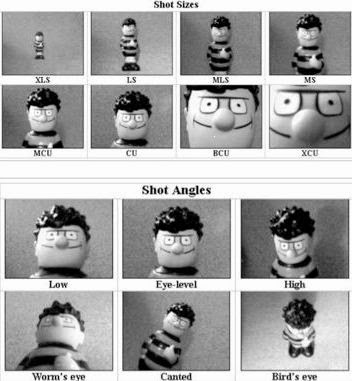
Types of shots

Using camera angles to take better photos
The science of camera angles
Step 3: Design in Photoshop

  1. Download a font or fonts
  2. Directions: Ms. Fowler will demonstrate

Friday, April 15, 2016

6th Media Arts: Sketch Up Sculptures

Claes Oldenburg sculpture at the Walker Art Center, Minneapolis MN
Research:
1. 2. 3. Go to THIS PAGE for sculpture videos and examples. Ms. Fowler will present.
Minneapolis Sculpture Garden (new sculptures)
Franconia Video
Olympic Sculpture Park
Yorkshire Sculpture Park

Other videos:
Creator's Project Underwater Sculpture park
Theo Jansen

Sculpture Garden websites:
Walker Sculpture Garden
Franconia
Olympic Sculpture Park

4. Outdoor Sculptures
CA students at the Walker Sculpture Garden

5. What is scale? Scale (Element of art)

6. Pick two random adjectives to incorporate into your sculpture. Pick the first two, no cheating!

Past student examples

Design:

Google Sketch-Up tutorial video

Extra Time games:

HomeStyler
Architect Studio 3D (might not work)
My Imaginary City

Dream Destination Prezi Presentation

Vocabulary (use dictionary application)

Planning

1. Location
2. Introduction
  • Use google to look up your city's history, size, characteristics, etc.  

3. Climate
  • Look up the weather for your chosen city. Google your city and "average weather" or try World Climate. Save a chart or graph showing average temperatures (in Fahrenheit), precipitation, etc.
  • When is a good time to visit?
4. Crops, Economy, Exports
  • What are the major business or companies? 
  • What are major crops or exports?
5. Arts and culture (everyculture.com)
6. Tourist Attractions
7. Travel
  • Find the average flight cost. Go to KAYAK
  • Find an average hotel cost
8. Gallery

Use prezi.com to design your presentation. Use your SCHOOL GOOGLE EMAIL: Your name + apps.isd13.org, and your password should be chps+ your school ID number.

Friday, March 18, 2016

6th Media Arts: Legendary Creatures


Directions

1. Vocabulary
Go to wordcentral.com and look up the definitions to the vocabulary words.

b. Myths, Legends, Fables and Folklore (answer the questions in your packet)
c. Look at these professional examples:

3. Sketch
Sketch in your packet

4. Write
Follow the directions on your worksheet, and us MSWord to write your legend.

5. Design

Wednesday, March 16, 2016

Fashion Design

This project has two parts. First design textiles or fabrics. Then designing clothing/outfits with your textile designs.

Student Examples:
Fashion Designs
Fabric Designs

Vocabulary
Use this dictionary (or the one on your computer) to find the definitions to the following words: symmetry, geometric, organic, pattern, ornate, textile, client, mass market.

Research
Try the two activities linked from caarts.blogspot.com
  1. Symmetry Activity
  2. Organic and Geometric Shapes
  3. Patterns 
  4. Practice making some patterns
Now look at some links to textile and pattern designs. Pick 3 and describe them in you packet. 
print and pattern designs
- Google Print 
- Google Pattern
Print and pattern blog
printallover.me

Follow the directions on your worksheets to design 3 different patterns and apply them to 3 different items. Have fun!


Create a polyvore inspiration board for your client. Email a link to Ms. Fowler: fowler@colheights.k12.mn.us

NEXT: Create an original fashion design! Ms. Fowler will give you directions


Sketch your fashion design ideas. Look at some haute couture for inspiration.
Haute Couture "high sewing" Dresses
more Haute Couture

Stop Motion Animation

Research

1. Try a practice animation:
2. Watch some stop-motion examples: Stop-motion Animations

Planning

Watch How to make a stop-motion
Fill out planning portion

Draw your storyboard
Form groups of 3 or 4.
      Person 1- Director: Oversees the filming and production. Follows the storyboard.
      Person 2- Camera-person: Makes sure each shot is properly lit, in focus and steady.
      Persons 3 (and 4)- Actors: Either act in the movie or control the set/characters/objects.

Create

1. Make your set, characters, lettering, and anything else you need.
2. Create a title sequence
3. Take pictures
4. Edit your photos in iMovie